limbus game Official Links
Roblox place, Trello, Discord path, and every major wiki hub in one bookmarkable page.
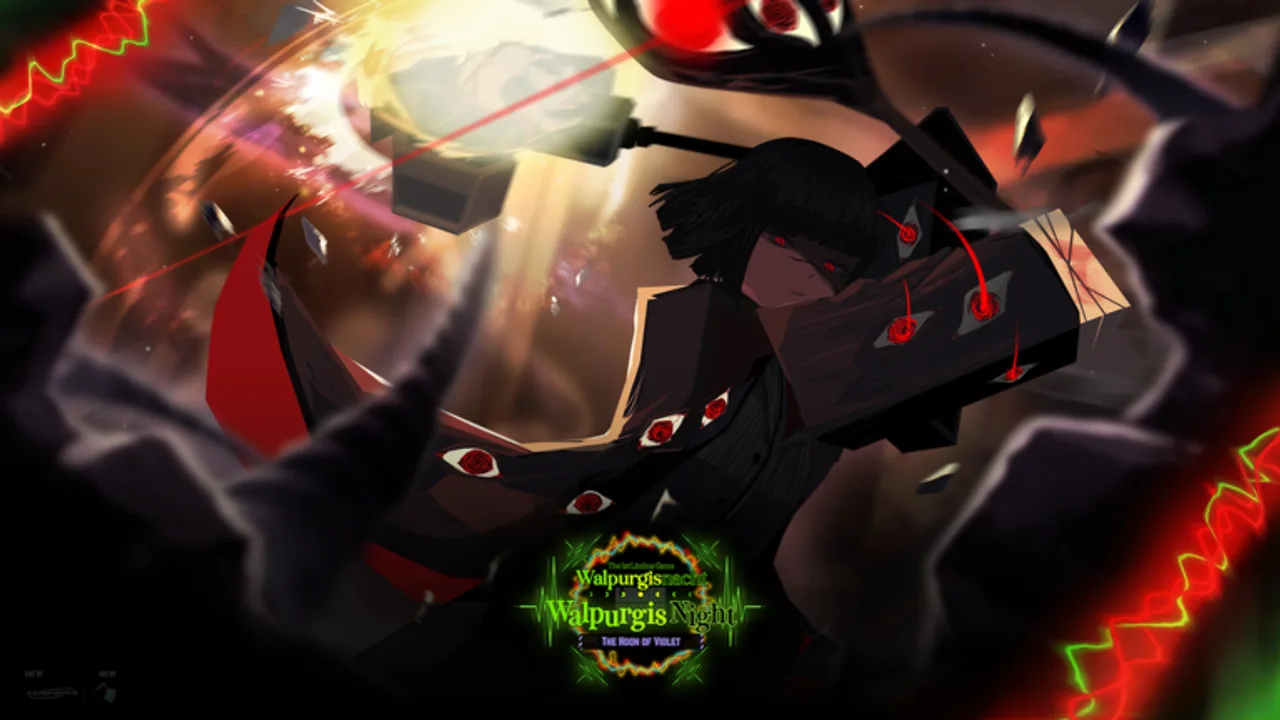
This Links Hub is the bookmark page for limbus game — the Roblox Battlegrounds & Fighting experience inspired by Limbus Company, created by games of limbus and released around March 9, 2025. Use it when you need the live place, the official Trello, a safe path into Discord, or a jump back into wiki hubs for codes, combat, Identities, and updates. Everything below is either an official developer resource or an internal wiki route on limbusgame.wiki.
Play limbus game
- Roblox experience: limbus game on Roblox
- Live listing title: often shown as [RENCLAIR] limbus game on the Roblox page and clip hubs (same place; branding tag, not a separate game)
- Creator: games of limbus
- Genre: online PvP battlegrounds with Identity kits, Clash, Posture, Light, and SP
Older place IDs may redirect here; always prefer the live link above when sharing with friends. After you join, finish any tutorial prompts, open Selection with M to pick an Identity, and skim Settings with L so you know where graphics and potential redeem fields live.
Official Trello
- Board: Limbus Game Official Trello
The public board is the long-form manual for systems the in-game UI cannot fully explain. Typical columns and card themes include:
- Info — settings notes, console controls, gamepasses, emotes, announcers, and FAQ-style cards
- Combat knowledge — attack types, Clash behavior, defense skills, and related primers
- Status effects — Bleed, Burn, Tremor, Rupture, and potency / count rules inspired by the source fantasy
- Identities / NPCs / locations — roster and world reference as the team expands the board
- Upcoming — roadmap teases before Discord ships the live patch
Press F on Trello to search if the board feels dense. When a card disagrees with live servers, trust the newest Discord #update-log entry, then watch for Trello corrections.
Discord (limbus server)
The community Discord (often called the limbus server) is where #announcements and #update-log land first. Invite URLs rotate and get invalidated when abused, so this wiki does not hardcode a brittle invite string.
How to join safely:
- Open the Roblox game page.
- Use the Social links / group connections shown on the place or the games of limbus group page.
- Accept the invite, complete BloxLink (or whatever verify bot the server currently uses).
- Read rules, then open
#announcementsand#update-log.
Never buy invites from strangers, and never paste account cookies into “verify” clones. If a link asks for your password, close it and return to the Roblox social button.
Why these links matter for ranked play
limbus game rewards players who read systems outside the match. Trello explains why a blocked hit raises Posture or why a Clash Win restores SP. Discord tells you the Identity that just received a silent hotfix. The Roblox place is the only client that matters. Bookmarking all three — plus this wiki — cuts the time between “something feels wrong” and “I know what changed.”
Wiki hubs (internal)
Use these locale-agnostic paths (they localize automatically on non-English pages):
| Hub | Path | What you get |
|---|---|---|
| Codes | Codes | Active-code status, redeem tips, fake-site warnings |
| Scripts | Scripts | Loadstrings, executor steps, ban-risk notes |
| Updates | Updates | Cadence, note sources, post-patch checklist |
| Tools | Combat Reference | Controls table + Posture / SP / Light quick ref |
| Guides | Guides | Walkthrough index |
| Getting Started | Getting Started | Day-one loop |
| Controls | Controls | Input deep dive |
| Combat Mechanics | Combat Mechanics | Clash / Posture / Light / SP |
| Tier List | Tier List | Meta Identity rankings |
| Players | Players | Identity roster hub |
Suggested bookmark folder
Create a browser folder named limbus game with this order:
- Roblox place (play)
- Discord entry via game socials (news)
- Official Trello (systems)
- Updates (checklist)
- Combat Reference (mid-session overlay on a second monitor)
- Codes (only after announcements)
- Tier List (after Identity patches)
Fan wiki disclaimer
limbusgame.wiki is an unofficial fan resource. It is not operated by games of limbus, Project Moon, or Roblox Corporation. For authoritative patch text, always prefer Discord and Trello. For play, use the Roblox link above. If an external “limbus wiki” asks you to download a client or enter your password, leave immediately and return here or to the official social buttons.
Related reading after you save the links
- New player? Start Getting Started, then Controls.
- Coming back after a patch? Run the Updates checklist.
- Hunting freebies? Read Codes before random blogs.
- Studying kits? Open Players and the Tier List.
Keep this Links Hub pinned. When invites rotate or Trello cards move, you still have one stable page that points at the live Roblox place and the correct wiki routes.
Frequently Asked Questions
Quick answers for Clash, Identities, codes, and more.
What is the official limbus game Roblox link?
Play at https://www.roblox.com/games/89186684667928/limbus-game — the live place by games of limbus.
Where is the official Trello?
https://trello.com/b/lFj2wsPL/limbus-game-official-trello — public board for mechanics, statuses, Identities, and Upcoming cards.
How do I join the Discord without a dead invite?
Use the Social links on the Roblox game page or creator group, then complete the server’s verify bot (often BloxLink).
Is this wiki official?
No. limbusgame.wiki is a fan-made resource. Official news comes from Discord, Trello, and the Roblox place/group.
Which wiki page should I open during a match?
Keep the Combat Reference tools page handy for controls and Posture / SP / Light bars while you play.