Getting Started in limbus game
First-session checklist for Identities, controls, Posture, and early goals on Roblox.
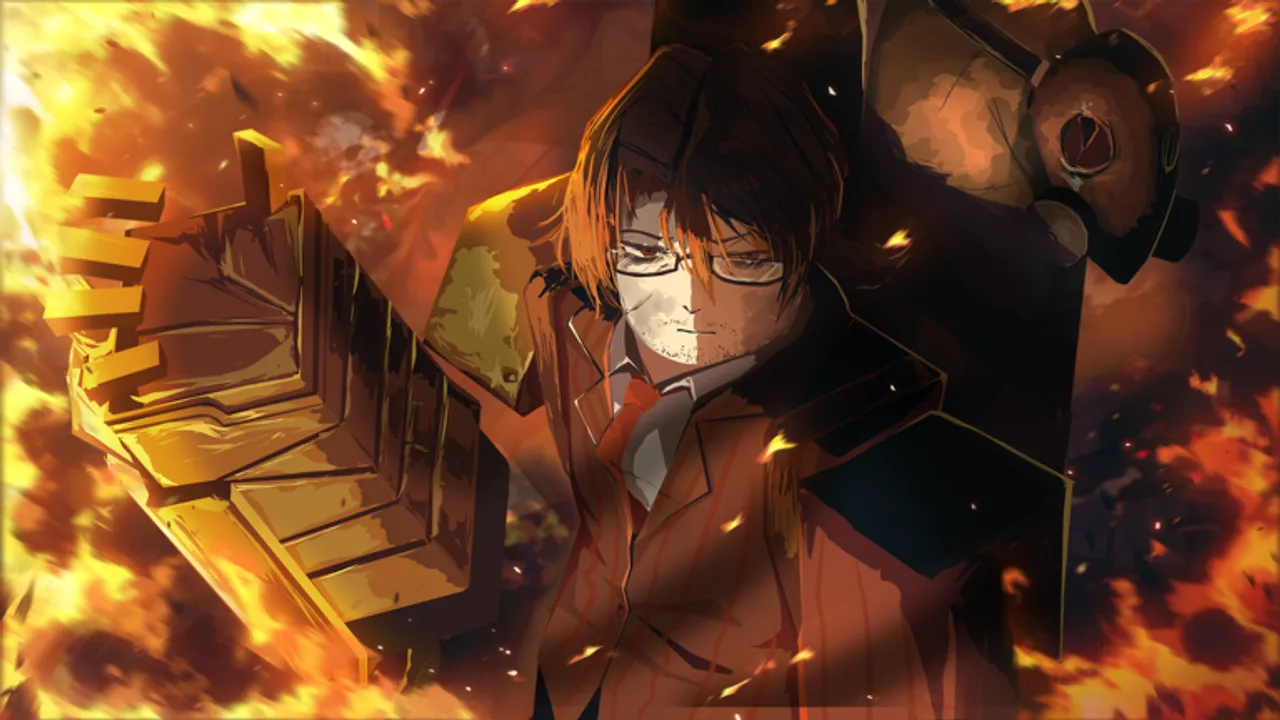
limbus game is a Roblox Battlegrounds & Fighting experience inspired by Limbus Company. The live place is run by games of limbus (older Apple Pie Logistics links redirect here). Released around 9 March 2025, it is online multiplayer only — every fight is against other players or shared PvE encounters, so your first hour should focus on inputs and systems, not solo story grinding.
This guide gets you from join screen to a competent first session. Pair it with the Controls sheet and the Combat Mechanics deep dive as soon as the basics feel familiar. When you are ready for skill windows, continue to How to Clash; when you press H for Mirror Portals, open How to Beat Bosses.
Join and set your Identity
- Open the Roblox place from the official game page and wait for the lobby to load.
- Press M to open the Selection UI.
- Browse Identities — the playable fighters and styles built around the Sinners roster (Yi Sang, Faust, Don Quixote, Ryoshu, Meursault, Hong Lu, Heathcliff, Ishmael, Rodion, Sinclair, Outis, Gregor) and their Identity variants.
- Hold click on an ID card to read its description before you commit.
- Click the top of an ID card to equip a support passive (maximum two supports).
- Confirm your loadout, then open L Settings to check sensitivity, graphics, and any combat assist options you prefer.
Do not over-optimize day one. Pick an Identity whose kit you understand from the card text, then learn the universal loop: M1 strings, Coin Skills, Block, dashes, and Clash. Strength rankings change with patches — bookmark the Tier List and Players hubs for later, after you can execute basics under pressure.
First combat habits
Your default bindings are the same across Identities:
- LMB — Basic Attack (M1)
- RMB — Special
- 1–4 — Skills (Coin Skills live here)
- F — Block
- W+Q / S+Q — Front / Back Dash
- A+Q / D+Q — Side Dash
- R — Combo Break (available when Posture is under 30%; costs 60% Posture)
- B — Emote
- E (or M2 on mobile) — QTE prompt
Blocking negates stun, blocks M1s, and reduces skill damage, but hits while blocking raise Posture. At 100% Posture you suffer a blockbreak: lose 10 SP and raise your Stagger Threshold by 5% HP. That single rule decides most early losses — players hold block forever and get broken.
Practice this loop in a quiet lobby:
- Walk in with a short M1 string.
- Cancel into a Coin Skill when the window appears (M1s are cancelable by Coin Skills).
- Watch for Armor on some Coin Skills (glow) — those are safer to throw into contested space.
- Land the Final M1 when possible: it restores 10 SP on hit, or 5 SP if the opponent is blocking.
- Spend Light to extend skills and keep combo routes alive instead of dropping into a punishable gap.
When two skills collide, you enter Clash. A Clash Win restores SP, and consecutive wins restore more. Treat Clash as a resource engine, not a coin flip — details live on How to Clash.
First-hour checklist
- Learn one dash direction cleanly before mixing all four.
- Never sit at high Posture; release block and reposition with dashes.
- Save Combo Break (R) for real pressure when you are under 30% Posture — it spends 60% Posture, so it is a reset, not a free escape.
- Equip two support passives that match how you play (damage, defense, or utility) instead of random cards.
- Skim the Guides Hub so you know where Clash and boss pages live.
- Check Codes once — public active codes are usually none; developers rarely drop them. Prefer Discord announcements over random lists.
- Open the official Trello and the limbus Discord for live board changes.
Early goals after the tutorial feel
Once M1 cancel and block discipline feel natural, set three goals:
- Win a Clash streak — force skill vs skill and bank SP from consecutive Clash Wins.
- Clear a Mirror Portal intro — press H, enter Tiekan Temple or Lei Heng content at a difficulty you can learn, and leave with pattern notes instead of ego.
- Track unlocks — the Winged Tiger badge path unlocks Thumb East Capo IIII; do not ignore badge progress while chasing vanity Identities.
If you use community tools, read the safety notes on Scripts first. Scripts never replace learning Block, Posture, and Clash — they can also risk your Roblox account.
What not to do on day one
- Do not mash skills with empty SP and no Light plan.
- Do not hold F through unlimited chip; Posture will break you.
- Do not skip the ID card description hold-click; supports matter.
- Do not assume every Identity plays like a generic battlegrounds sword — kits differ by Coin Skill Armor, Clash tools, and Light spend.
- Do not trust outdated tier screenshots; confirm on Tier List and Updates after patches.
Where to go next
- Controls — binding reference and mobile QTE notes
- Combat Mechanics — Posture math, SP, Light, Armor
- How to Clash — skill vs skill execution
- How to Beat Bosses — Mirror Portals and Capo unlock
- Wiki overview — high-level game summary
Play the official place, keep this wiki bookmarked, and treat every death as a Posture, Clash, or pattern mistake you can name. Named mistakes are the fastest way to improve in limbus game.
Frequently Asked Questions
Quick answers for Clash, Identities, codes, and more.
Who makes limbus game on Roblox?
The current creator is games of limbus. Older Apple Pie Logistics place links redirect players to the live experience.
What should I unlock first?
Focus on learning one Identity, two support passives, and clean Block or dash habits. Boss and badge goals like Winged Tiger for Capo IIII come after you can manage Posture and Clash.
Are there active codes for new players?
Usually no public active codes. Developers rarely drop them — check the Codes page and Discord announcements instead of expecting daily gifts.
When do I start Mirror Portals?
After you can cancel M1 into Coin Skills and release block before 100% Posture. Press H for portals, then follow the How to Beat Bosses guide for Tiekan Temple and Lei Heng.